Choicer Voicer and Voxalike packs are not interchangeable
Same .ini files, different video. That one difference is enough to stop a pack loading.
PartyDub ·
It is easy to assume a dub pack is a dub pack. The per-line files really are identical — same keys, same order — which makes the difference easy to miss until a pack silently fails to appear.
What is the same
The line files. Both read a [data] section with a caption, an optional image, a timestamps array and a characters array:
[data]

caption="I said someone has to get off her fat ass and work around here."
image="1.png"
dub_timestamps=[0.55]
dub_characters=["Clark"]
What differs
| Choicer Voicer | Voxalike | |
|---|---|---|
| Video | dub_video.ogv — Ogg Theora | dub_video.mp4 — H.264 |
| Line data | one .ini or .txt per line | one .ini or .txt per line |
| Line audio | .wav or .mp3 | .wav, .mp3 or .ogg |
| Backing bed | _backing_track.wav / .mp3 | _backing_track.wav / .mp3 |
| Author | _author.txt, or authors in _pack_info.ini | _pack_info.ini |
| Icon | _icon.png | Icon.png, named by icon= in _pack_info.ini |
The video is the one that bites
Choicer Voicer is a Godot game and its video player decodes Ogg Theora only. Voxalike wants H.264 in an mp4 — its own import screen warns, in as many words, not to load a pack from ChoicerVoicer.com or GameBanana without converting the video first.
So a pack that plays in one will not play in the other until the video is re-encoded. Converting either way is one ffmpeg command:
# for Choicer Voicer
ffmpeg -i dub_video.mp4 -c:v libtheora -q:v 7 -c:a libvorbis -q:a 4 dub_video.ogv

# for Voxalike
ffmpeg -i dub_video.ogv -c:v libx264 -crf 23 -c:a aac -b:a 128k dub_video.mp4
Re-encoding is lossy both ways. If you have the original scene file, convert from that rather than from a pack's video that has already been through one encoder.
Keeping one marking for both
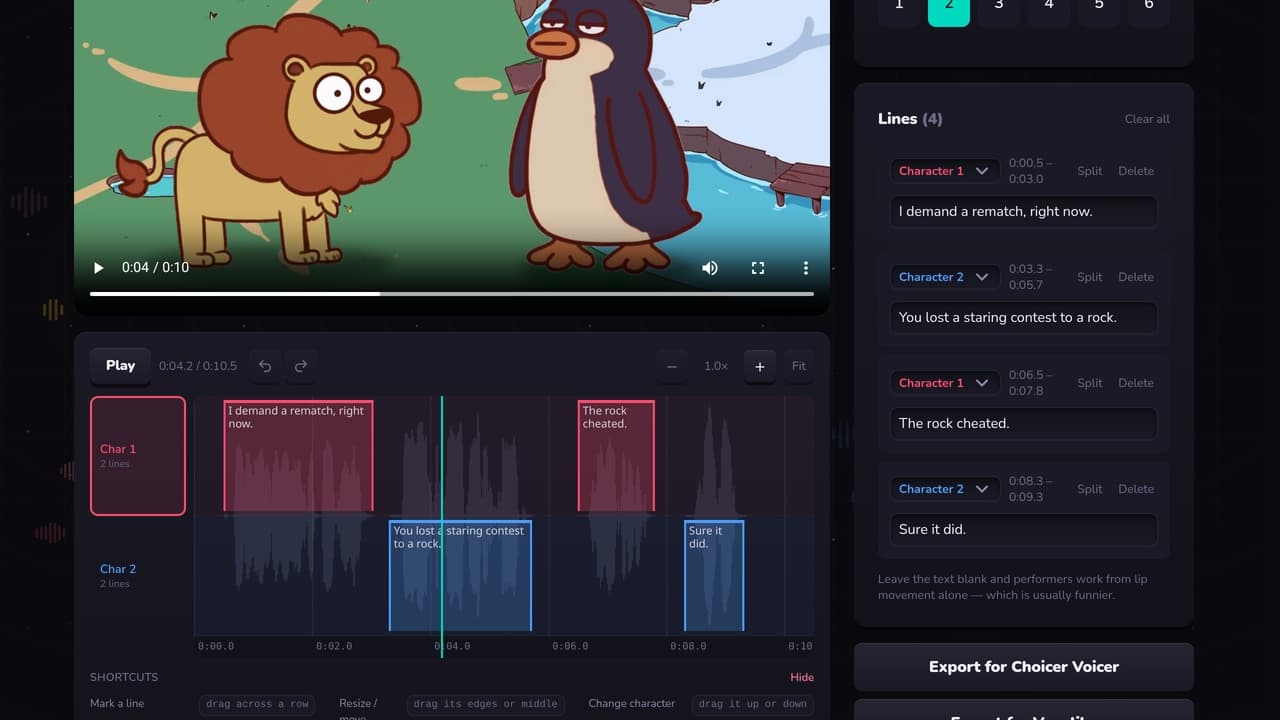
Because the line data is shared, one set of timings serves both games — only the video and a couple of pack files need to change. PartyDub's editor has a button for each: same lines, same timings, the right video and pack details for whichever you are exporting.
Make a pack without the typing
A free Choicer Voicer and Voxalike pack editor in your browser. Mark who speaks when against the waveform, then export for either game.
Open the editor