Your Choicer Voicer pack shows in Standard but not Dub mode
The pack installs. It appears in the list. Then the one mode you made it for does not show it at all.
PartyDub ·
This is the most confusing failure a dub pack can have, because nothing looks broken. The folder is in the right place, the game finds it, the voice clips play — and then you switch to Dub mode and the pack is simply not in the list.
The cause is almost always the video, and the reason it only shows up in one mode is that only one mode opens the video at all.
Why Standard finds it and Dub does not
The three modes read the same pack but use different parts of it. Standard plays the voice clips and never touches dub_video, so a pack with an unplayable scene lists perfectly happily. Dub and Freestyle Dub play the scene and let you perform over it, so a pack whose video the engine cannot decode is not something they can offer — and they leave it out rather than showing you a broken entry.
That is why this reads like a detection bug. The pack is being detected. It is being excluded on purpose.
The requirement: Ogg Theora
The Choicer Voicer is built in Godot, and Godot's video player decodes Ogg Theora and nothing else. Not H.264, not MP4, not WebM. If your dub_video is anything but a .ogv carrying Theora video and Vorbis audio, the Dub modes will not list the pack.
You can check a pack in seconds. On Linux or macOS, from inside the pack folder:
file dub_video.*

# a pack that works:
dub_video.ogv: Ogg data, Theora video

# a pack that will not appear in Dub mode:
dub_video.mp4: ISO Media, MP4 Base Media v1
The extension alone is not proof — what matters is what is inside the container. A file renamed from .mp4 to .ogv is still H.264 and still will not play.
Converting it
ffmpeg will do it in one command. Quality 7 is a reasonable place to start; Theora is an old codec and pushing the number higher costs a lot of file size for very little picture.
ffmpeg -i dub_video.mp4 -c:v libtheora -q:v 7 -c:a libvorbis -q:a 4 dub_video.ogvDelete the old dub_video.mp4 afterwards. Two files with the same stem and different extensions is asking the game to guess.
If you would rather not install ffmpeg, the PartyDub editor converts to Theora for you when you export for Choicer Voicer — a pack that came in as Theora keeps its original file untouched.
Two other things that break quietly
While you are in there, these are worth checking, because both fail without stopping the pack from loading:
- —_icon.png has to really be a PNG. The game reads the file's bytes, not its name, so a JPEG saved as _icon.png is rejected outright — it logs "Not a PNG file" and the pack loses its thumbnail.
- —_backing_track is what you dub over. Every published pack ships one, and it is the audio the Dub modes play under your performance.
Neither of those keeps a pack out of Dub mode on its own. The video does.
Make a pack without the typing
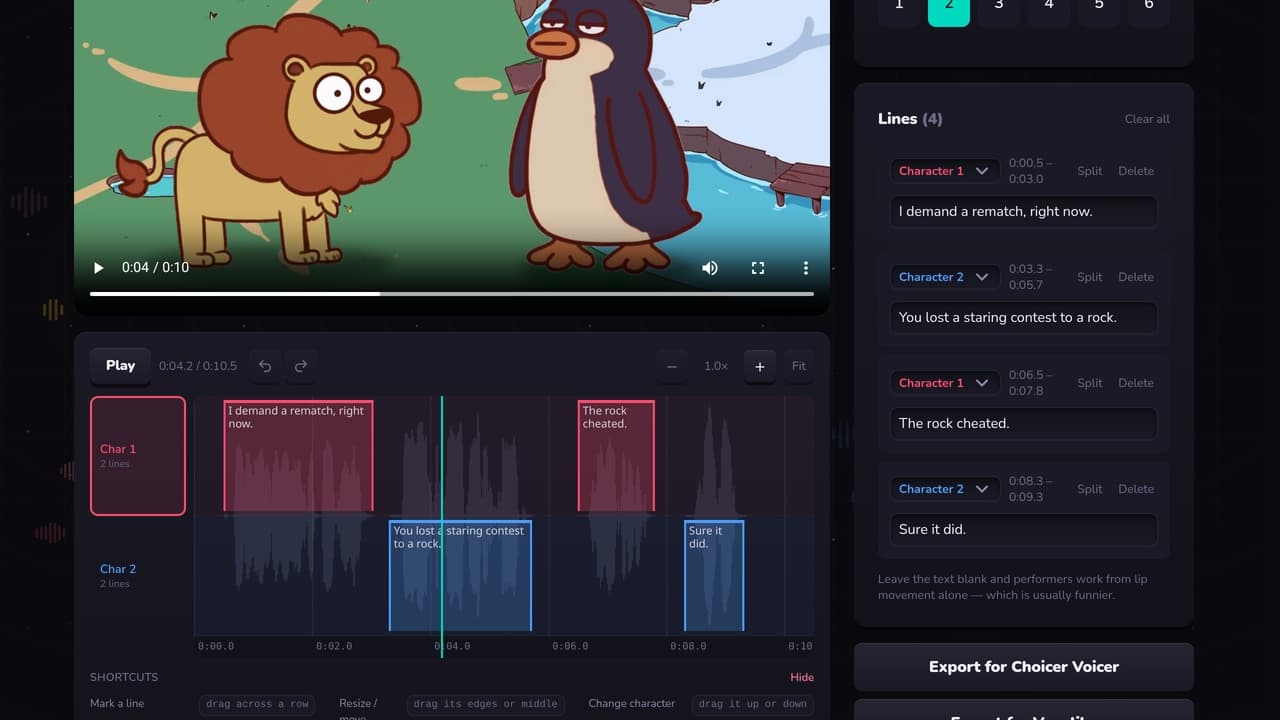
A free Choicer Voicer and Voxalike pack editor in your browser. Mark who speaks when against the waveform, then export for either game.
Open the editor