Можно ли играть в Dub Together бесплатно или в браузере?
Коротко: это платная игра в Steam для Windows. Вот что это значит — и во что играть, если нужно бесплатно в браузере.
PartyDub ·
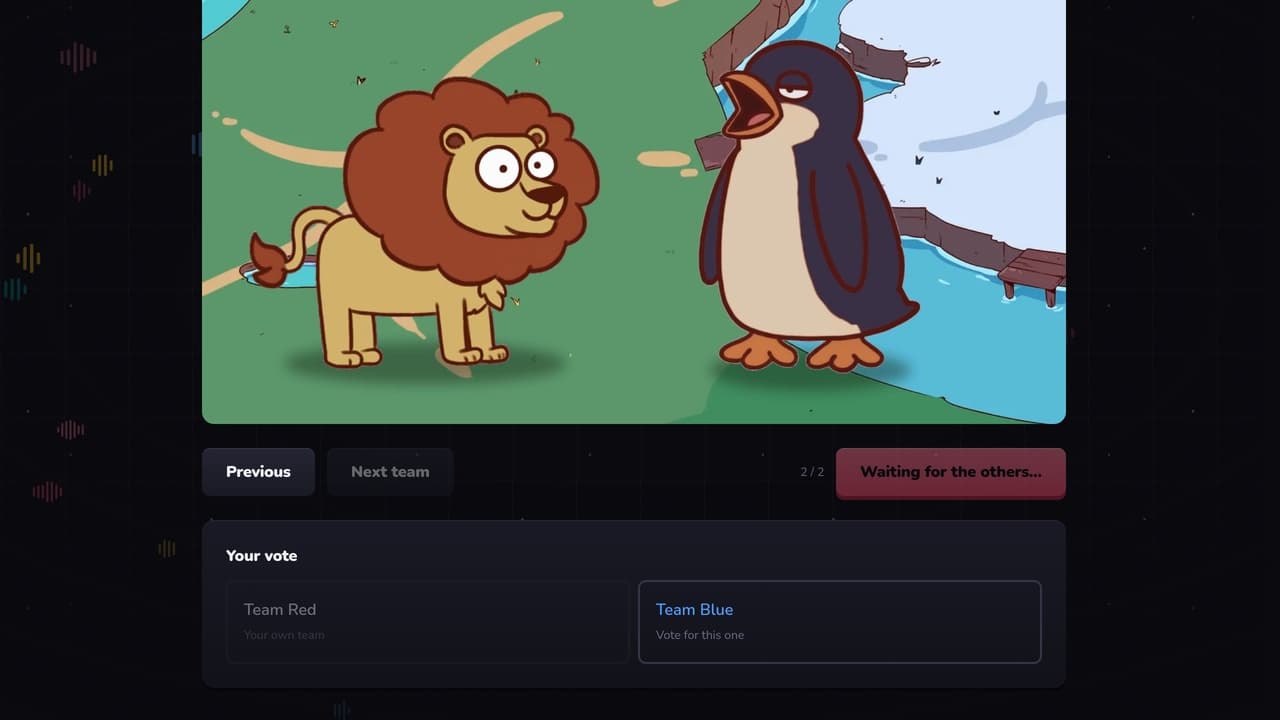
Dub Together — игра для компании, в которой до шести человек переозвучивают один и тот же видеоролик, а потом вместе смотрят все результаты и голосуют. Она вышла в Steam 1 сентября 2026 года, её сделал разработчик Banani, и её хорошо приняли: «Очень положительные» отзывы в Steam. А ещё это название, которое ищут впопыхах — почти всегда с припиской «бесплатно», «онлайн», «играть» или «паки», — так что вот прямые ответы.
Dub Together бесплатная?
Нет. В США она стоит 4,99 $ в Steam, в других странах действуют региональные цены. На странице магазина нет ни бесплатной версии, ни демо, так что сайт, предлагающий Dub Together бесплатно, предлагает не ту игру, которую продаёт разработчик.
Можно ли играть в Dub Together онлайн или в браузере?
Онлайн — да: она вообще только онлайн. Игроки заходят через список друзей в Steam или по коду лобби, до шести человек одновременно, каждый со своим микрофоном. В браузере — нет: это игра для Windows (Windows 10 или 11, 64 бит), и на странице магазина нет ни браузерной версии, ни версии для Mac или телефона. Русский — один из семи её языков.
Как играется Dub Together
- —Параллельный режим: все озвучивают один и тот же ролик, а потом комната голосует за лучшую версию.
- —Режим персонажей: каждый озвучивает одну роль, и роли складываются в одну запись.
- —Голосовые эффекты — бурундук, монстр, эхо, робот, телефон — для дубля.
- —Pack Creator превращает твои собственные видео в раунды: сам находит реплики и их текст и оставляет музыку под ними.
- —Экспорт готовой озвучки в видео, а зрители на Twitch могут голосовать.
Откуда берутся паки для Dub Together
Из Steam Workshop: открой вкладку Workshop игры, подпишись на пак — и в следующий раз он уже будет в игре. В комплекте один пак — отрывок из открытого фильма Sprite Fright; всё остальное игроки делают в Pack Creator и публикуют. Паки — собственного формата Dub Together: редактор паков на этом сайте читает паки Choicer Voicer и Voxalike, а не эти.
Бесплатная игра в озвучку в браузере
PartyDub — наша игра, так что делай на это скидку. Это тот же вечер — компания переозвучивает сцену, не слыша друг друга, а потом смотрит все версии и голосует, — только во вкладке браузера, а не в установленной игре из Steam. Хост создаёт комнату и называет шестизначный код; все остальные вводят его на телефоне, ноутбуке или Mac — без аккаунта и без скачивания.
Сцена — то, что принесёт хост: ролик со своего устройства, который уходит прямо к другим игрокам и никуда не загружается, или одна из сцен, которые другие игроки уже разметили в открытой библиотеке. Комната может разделить персонажей между игроками или дать каждому озвучить всё целиком. Есть восемнадцать дурацких голосовых фильтров, которые можно бросить в другого игрока посреди раунда — один в месяц на бесплатном аккаунте, — а в конце результат можно скачать.
Две игры рядом
| Dub Together | PartyDub | |
|---|---|---|
| Цена | 4,99 $ в Steam | Бесплатно |
| Где работает | Windows, через Steam | Любой браузер: телефон, ноутбук, Mac |
| Игроков | До 6, онлайн | 2 бесплатно, до 10, если хост — спонсор |
| Сцены | Паки из Steam Workshop или свои видео через Pack Creator | Свой ролик или открытая библиотека |
| Всем нужно | ПК с Windows и Steam | Браузер и микрофон |
| Результат | Экспорт видео | Скачивание — без водяного знака для спонсоров |
Что подойдёт, зависит в основном от того, кто придёт. Если все сидят за ПК с Windows и Steam и хотят паки из Workshop, Dub Together недорогая и любимая. Если кто-то с телефона или с Mac или сегодня никто не хочет ничего покупать — создай комнату PartyDub.
Создай комнату
Бесплатно, в браузере, а остальные заходят по шестизначному коду — без аккаунта и установки. Ролик приносишь ты, и он никогда не касается наших серверов.
Открыть комнату